
Stage 2
Click on the ‘Click here to verify email’ banner. This will send a security code to your email account for you to enter in stage 3.
We suggest that you open a new tab to view your email account or use a phone. This keep this registration window open and is ultimately easier for you.
Please note: The security code is only valid for 5 minutes.

Stage 3
Enter the 6 digit security code that has been sent to your email account in this field, eg 245365.

Stage 4
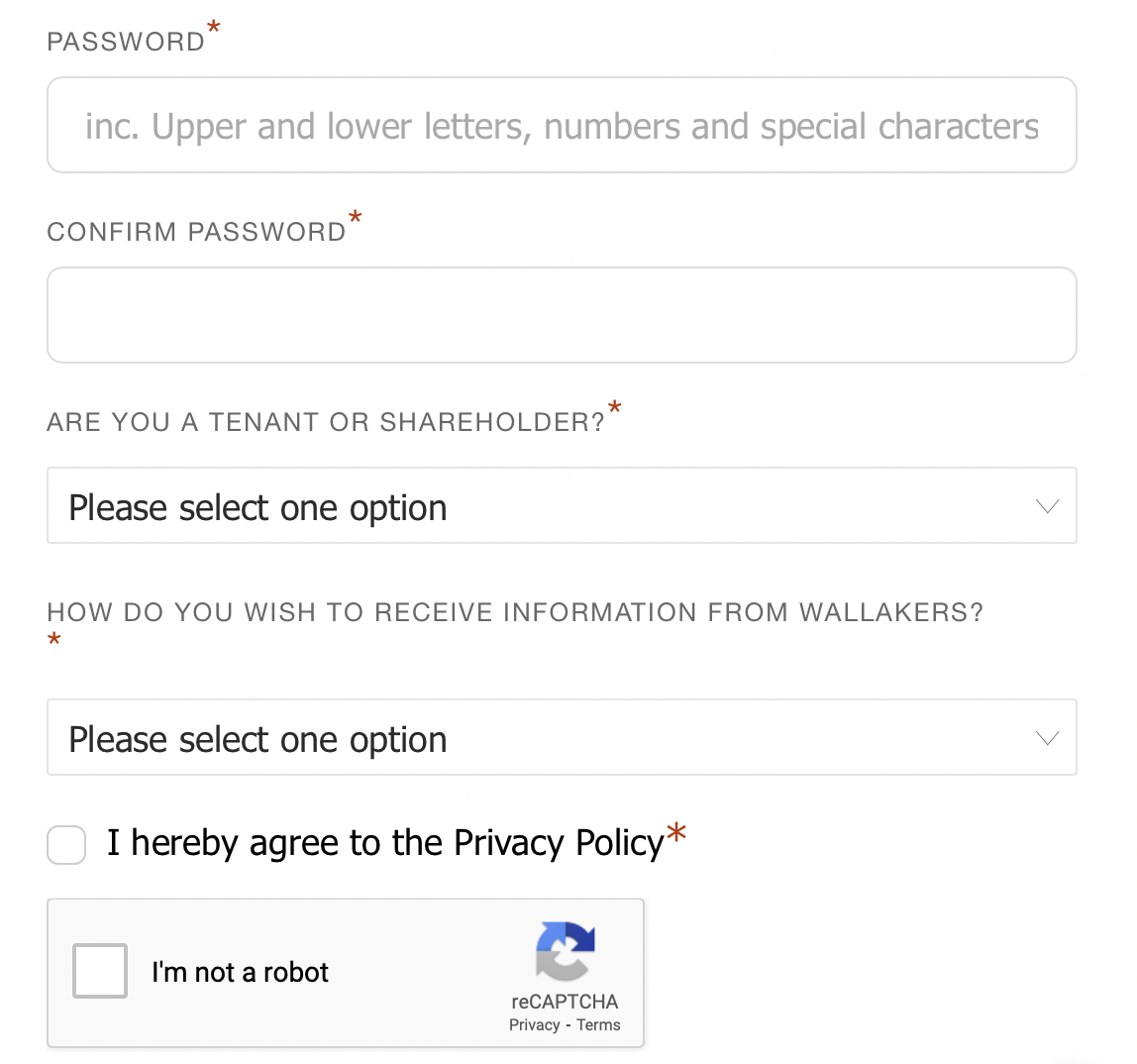
Enter a password for the site making it a secure and unique as possible.
We suggest using:
- a Capital letter
- a Lowercase letter
- a Number
- a Special symbol, eg !@£$%&*()
Select whether you are a tenant or shareholder (owner).
Select how you want to receive communications from Wallakers.
Stage 5
Click on the register button and you will receive an email from us telling you of the next next step.

What happens then?
Your registration has been sent to Wallakers to review and activate. Once your identity has been verified you will receive an email with your login instructions. This will be sent to the registered email address used when registering for this site. Remember to check your SPAM folder if you cannot find it in your inbox.
Out of office hours registration
If you register out side of normal office hours there will be a short delay, please bear with us. We manually verify all registrations to ensure maximum security is maintained at all times.
Password safety
Your password is encrypted and nobody including Wallakers can view this. Keep it safe and we suggest that you don’t share it with anyone. If you forget either your password or username these can be reset using the options on the menu at any time.